E-commerce Product Images in Bulk: White Backgrounds, Transparent PNGs, and Sticker Effects in One Pass
The Three Image Types Every Store Needs
- White-background main images: marketplaces such as Taobao, JD.com, and Amazon require at least 800×800 on a pure white background (RGB 255,255,255)
- Transparent assets: for detail-page layouts, posters, and composites
- Marketing stickers: cutouts with a border or shadow for social media promotion
The Old Way vs an Online Tool
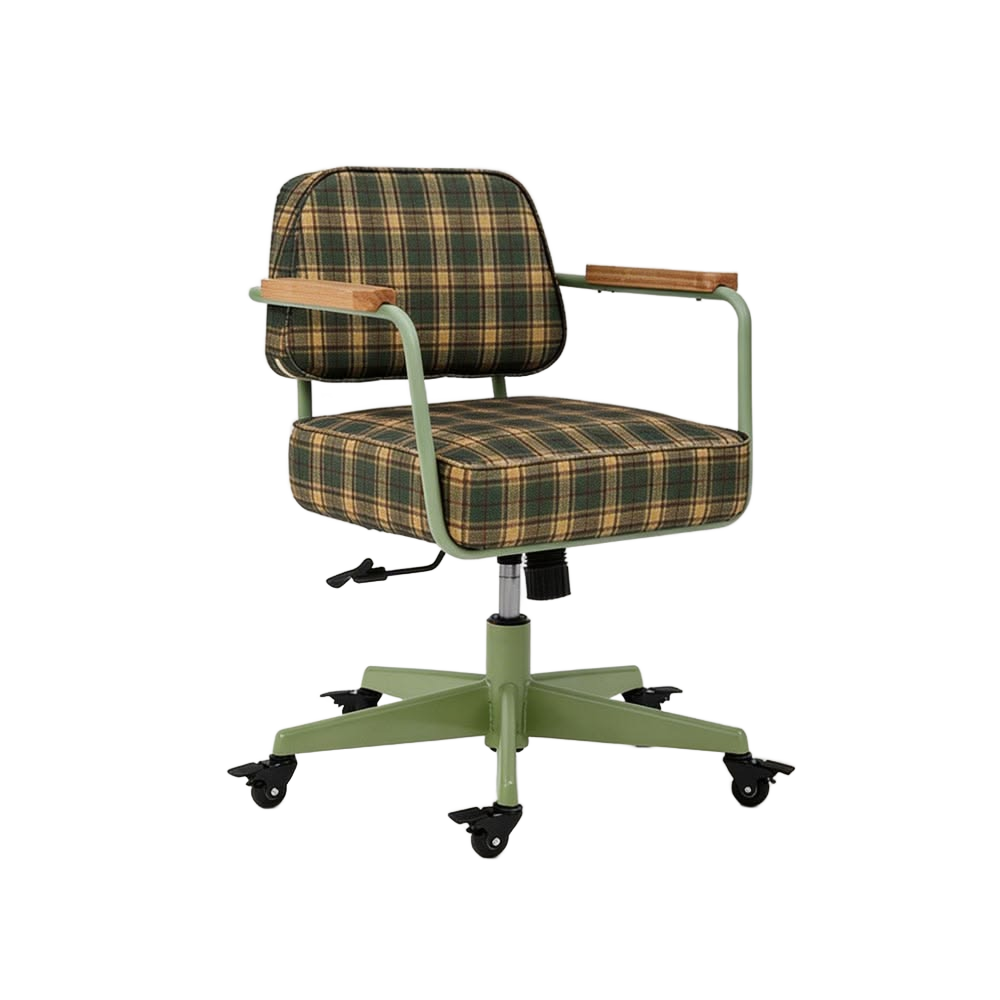
The traditional workflow: shoot on a solid-color backdrop → cut out in Photoshop → refine edges → export a PNG → add a white background or shadow → batch-process with scripts. All in, 10–30 minutes per image.
With JuanJuan Tools it is three steps:
- Upload the product photo (a solid-color backdrop works best)
- Automatic cutout, with edge refinement if needed
- Download the transparent PNG — or turn on the Sticker Border or shadow effect first
The Batch Workflow
The site accepts 3 images at a time into a processing queue. For larger sets:
- Upload in groups of 3
- Once a group finishes, press Ctrl+V to paste in the next group
- Effect settings (border thickness, shadow intensity, and so on) are remembered, so new images pick them up automatically
How Do I Get a White-Background Image?
The site exports transparent-background PNGs. To produce a white-background image:
- Download the transparent PNG
- In any image editor, create a white canvas and place the transparent PNG on top
Or even simpler: turn on the Sticker Border effect, set the color to white and widen it a little — you get a clean white-backed result straight away.
Shooting Tips for Better Cutouts
- Background: use a solid-color seamless backdrop (white, gray, or blue); avoid patterns and gradients
- Lighting: softboxes or natural light; avoid hard shadows (the AI can mistake a shadow for part of the product)
- Angle: straight-on or 45°, with the product filling at least 60% of the frame
- Resolution: shoot at 2000 pixels or more (the site supports a 2048 px longest edge, plenty for e-commerce)