Remove image backgrounds and download a transparent PNG
Upload any image and our AI removes the background in seconds. Choose transparent PNG, white background JPG, or custom color export. Free to use.
Upload image Before
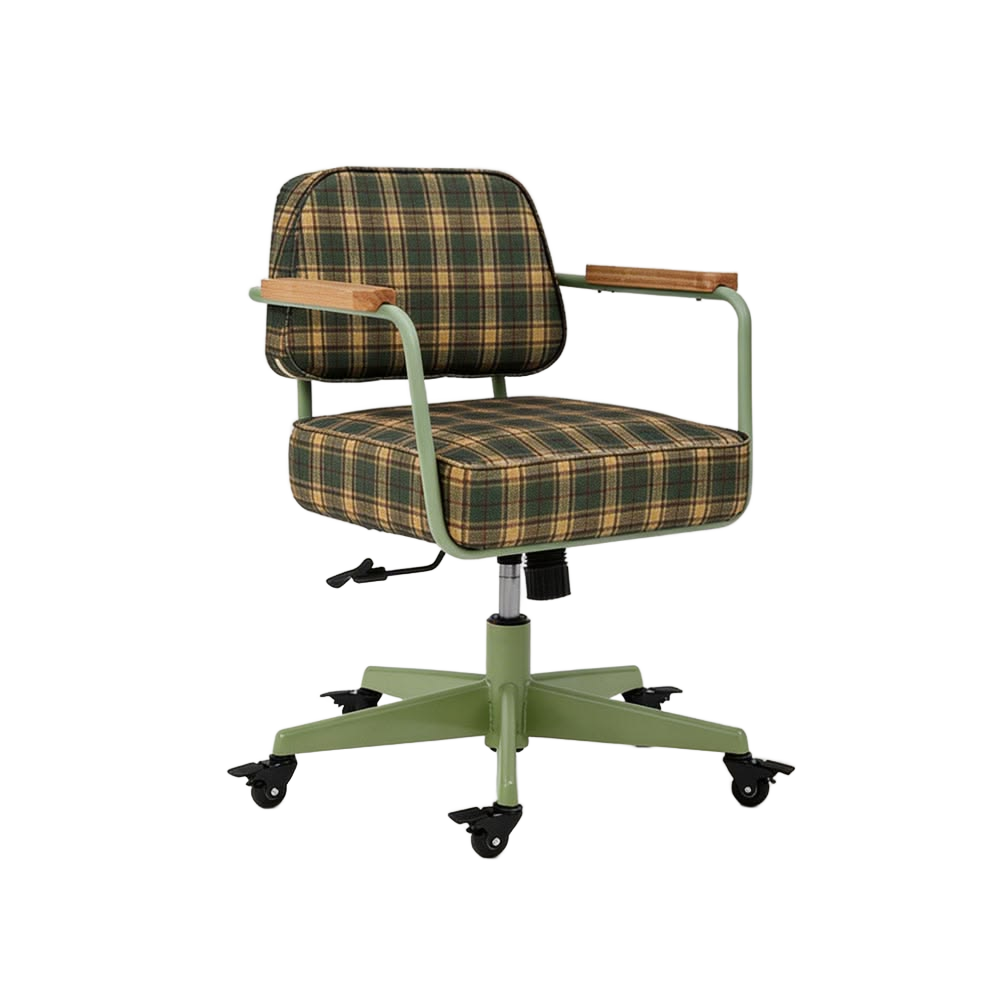 After
Popular tasks
White Background Product Photo
Get clean white-background JPGs for Amazon, Shopify, and marketplaces.
Make background white →Transparent Logo
Remove logo backgrounds for clean overlays on presentations and videos.
Remove logo background →Sticker Maker
Add white outlines to cutouts for WhatsApp, Telegram, and social stickers.
Create a sticker →How it works
- Upload — drag & drop or paste any JPG, PNG, or WebP (up to 15MB)
- AI removes the background — hair-level edge detection in 3–10 seconds
- Refine — optionally clean edges, adjust, or add effects
- Download — transparent PNG, white JPG, or custom color
Free tier & limits
| Guest | Logged in | |
|---|---|---|
| Free uses | 3 in total | 5 every day |
| Export quality | Standard | HD |
| Registration | None | Google or WeChat |
Sign in with Google → claim 5 credits daily + HD export
Privacy
Images are processed on your device by default — they never leave your browser. When cloud processing is used, only a compressed copy is sent and discarded immediately after processing. We never store, sell, or train on your images.
Full privacy policy →FAQ
Is it really free?
Yes. Guest users get 3 free uses in total (no sign-up). Sign in with Google for 5 credits every day plus HD export.
remove.bg is shutting down — is this a good alternative?
Yes. remove.bg closes its standalone site on December 1, 2026 and moves into paid Canva plans. JuanJuan Tools is free, needs no sign-up, processes images on your device by default, and exports transparent PNG, white JPG, or custom colors. See our full remove.bg alternatives guide.
What image formats are supported?
JPG, PNG, and WebP up to 15MB per image. You can upload up to 3 images at once.
Can I use it commercially?
Yes. You own the images you upload and the processed results. Use them for products, marketing, or any purpose.
Does it work on mobile?
Yes. The tool works in any modern mobile browser. The AI model runs on your phone for privacy.