Make your product photo background white
Upload a product photo, and our AI removes the background. Then export as a clean white-background JPG — ready for Amazon, Shopify, eBay, and any marketplace that requires white backgrounds.
Upload product photoWhy white background?
- Marketplace requirement — Amazon, eBay, and most marketplaces require pure white (RGB 255,255,255) backgrounds for main product images
- Professional look — white backgrounds eliminate distractions and make products pop
- Consistency — all your product photos look uniform in your store catalog
How to make a white background
- Upload your product photo to our background remover
- AI removes the background automatically (3–10 seconds)
- Select "White JPG" from the export format options
- Download your white-background product photo
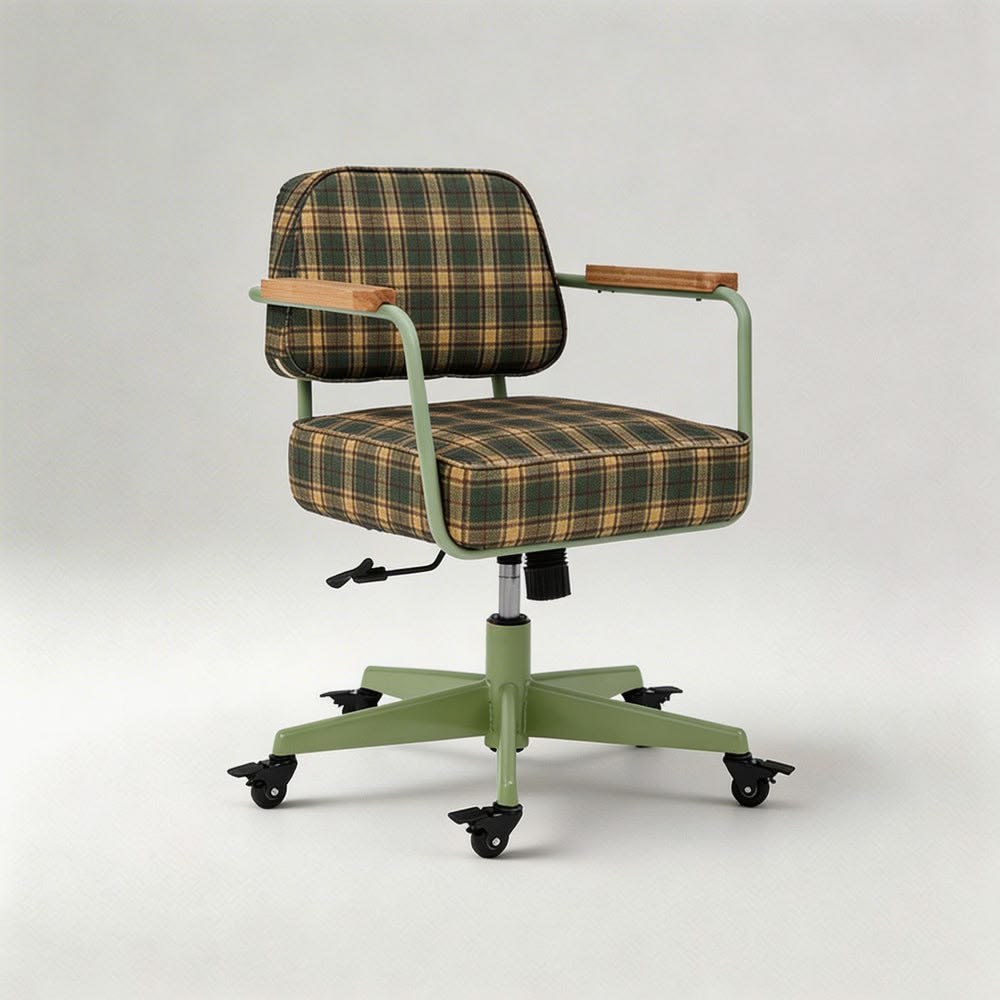 Original
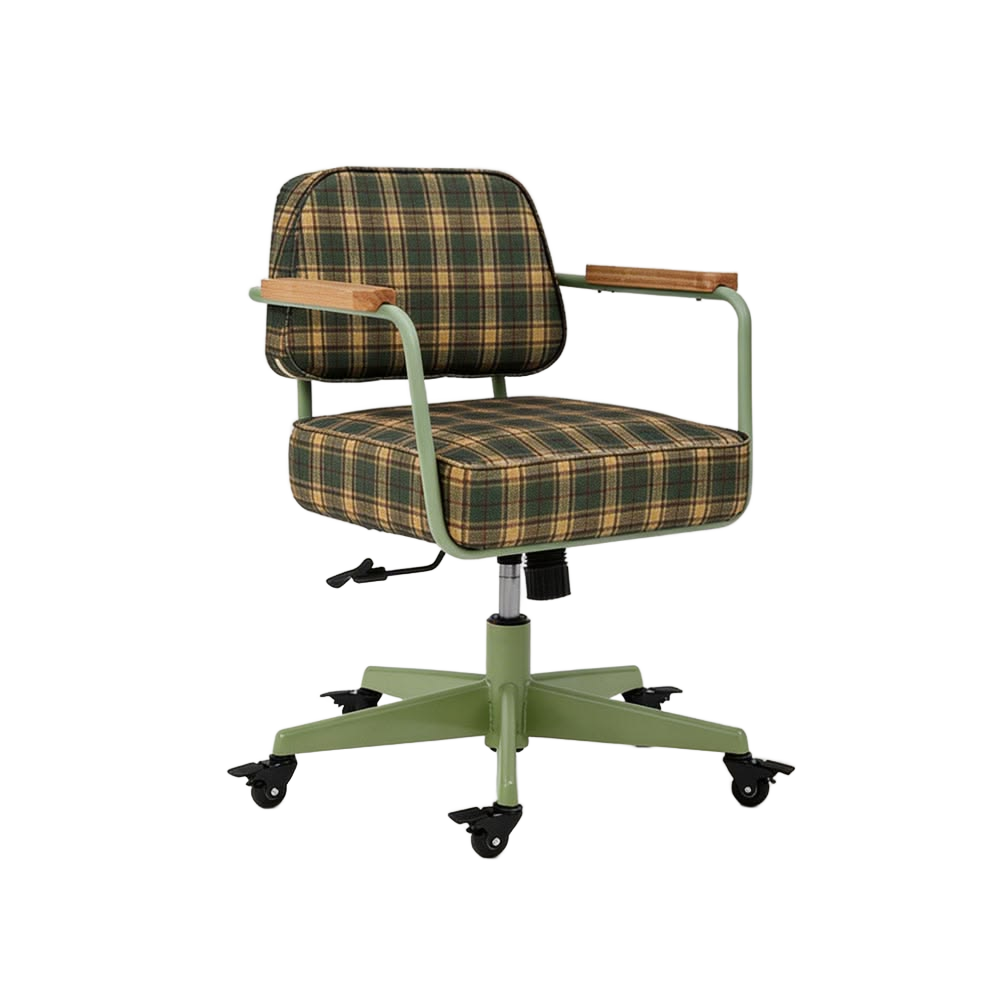 Cutout
After removing the background, select "White JPG" export for a clean white-background product photo.
Tips for best results
| Tip | Why |
|---|---|
| Use a plain, solid-color background when shooting | AI detects edges more accurately |
| Ensure good, even lighting | Eliminates shadows that AI might keep |
| Crop to the product before uploading | Reduces processing time and improves accuracy |
| Use "Edge Cleanup" after processing | Removes residual background color from edges |
Export formats
| Format | Use case |
|---|---|
| Transparent PNG | For design tools, presentations, compositing |
| White JPG | For Amazon, Shopify, eBay product listings |
| Custom color JPG | For branded product pages and marketing |