The 5 Best Free Online Background Removers of 2026 (Detailed Comparison)
⚠️ Update Nov 2026: remove.bg shuts down its standalone site on December 1, 2026 and moves into paid Canva plans. Free users need an alternative — see our dedicated guide: remove.bg is shutting down — 5 free alternatives.
Why Use an Online Background Remover?
From e-commerce product shots and social media avatars to slide deck assets, removing a background is one of the most common image editing jobs. Traditional desktop software such as Photoshop or GIMP has a steep learning curve and a high price tag, while online tools run instantly in your browser and are mostly free. With so many options, which one should you pick? This guide compares the five most popular tools of 2026 so you can find the right fit.
The Five Tools in Detail
1. remove.bg (the best known worldwide)
- Free quota: 5 images per month after sign-up; the free tier is capped at 0.25 MP resolution
- Speed: about 5 seconds
- Edge quality: excellent (proprietary AI model)
- Privacy: images are uploaded to a server for processing
- Limits: free resolution is very low (625×625); paid plans start at $9.99/month
2. Photoshop Web (Adobe Express)
- Free quota: 25 uses per month
- Speed: about 8 seconds
- Edge quality: excellent
- Privacy: requires an Adobe account; images are uploaded
- Limits: you must register an Adobe ID and the interface feels heavy
3. Canva Background Remover
- Free quota: a Pro feature (30-day free trial)
- Speed: about 5 seconds
- Edge quality: good
- Limits: registration required, it only works inside the Canva editor, and you cannot download a transparent PNG directly
4. Meitu Web
- Free quota: 3 uses per day
- Speed: about 5 seconds
- Edge quality: average (mixed results on complex hair)
- Limits: requires a Meitu account; the feature set is fairly basic
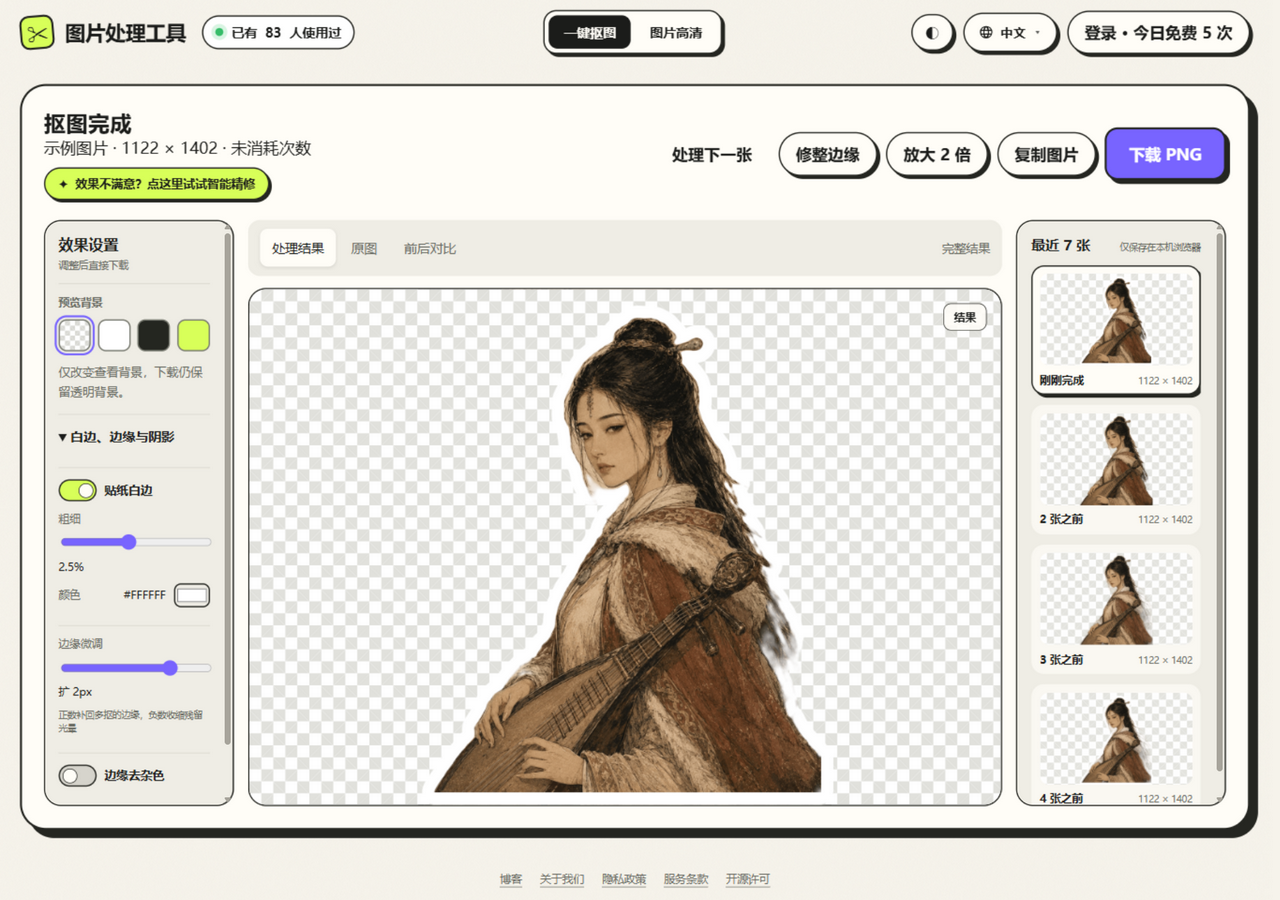
5. JuanJuan Tools (this site)
- Free quota: 5 cutouts per day as a guest; more once you sign in with WeChat (daily check-ins, short videos, friend invites)
- Speed: 3–10 seconds (cloud) or 1–2 seconds (on-device)
- Edge quality: excellent (dual engines: a high-precision cloud model plus on-device guided filtering)
- Privacy: on-device processing by default, so images are never uploaded; cloud mode sends only a compressed copy that is discarded right after processing
- Extras: Smart Refine (tap to erase or restore), Sticker Border (any color), Natural Shadow, Edge Adjust, and AI Upscale (2x)
Side-by-Side Comparison
| remove.bg | PS Web | Canva | Meitu | JuanJuan | |
|---|---|---|---|---|---|
| Free uses | 5/mo | 25/mo | 30-day trial | 3/day | 5+/day |
| Free resolution | Very low | High | High | Medium | 2048px |
| On-device processing | ❌ | ❌ | ❌ | ❌ | ✅ |
| Smart Refine | ❌ | ❌ | ❌ | ❌ | ✅ |
| Sticker Border | ❌ | ❌ | ❌ | ❌ | ✅ |
| Languages | EN | Multi | Multi | Chinese | 4 languages |
Which One Should You Choose?
- An image or two now and then, nothing fancy: any of them will do
- Many images, privacy matters: JuanJuan Tools (on-device processing, nothing uploaded)
- Professional design, fine control: Photoshop Web
- Hair-level edge quality: remove.bg, or JuanJuan Tools in cloud mode
- Editing directly inside your design tool: Canva
FAQ
Q: Why is the free resolution so low in some tools?
That is the business model — a low-resolution free tier pulls users in, and high resolution sits behind the paywall. The free tier here supports a 2048 px longest edge, which is enough for the vast majority of uses.
Q: Are online tools safe?
It depends on each tool's privacy policy. This site processes images locally in your browser by default — photos never leave your device — which is the safest setup you can get.