How to Remove a Background from Hair: AI and Manual Methods
Why Is Hair the Hardest Part to Cut Out?
In portrait cutouts, hair is by far the most challenging part. Here is why:
- Extremely fine edges: a single strand is only 0.02–0.1 mm thick, which often covers just 1–2 pixels in a photo
- Semi-transparency: the gaps between strands let the background color show through, creating semi-transparent transition zones
- Colors close to the background: dark hair against a dark background can become almost indistinguishable
- Flyaway strands: strands moved by wind or motion point in random directions and cannot be captured with simple shapes
Method 1: AI Automatic Removal (Recommended)
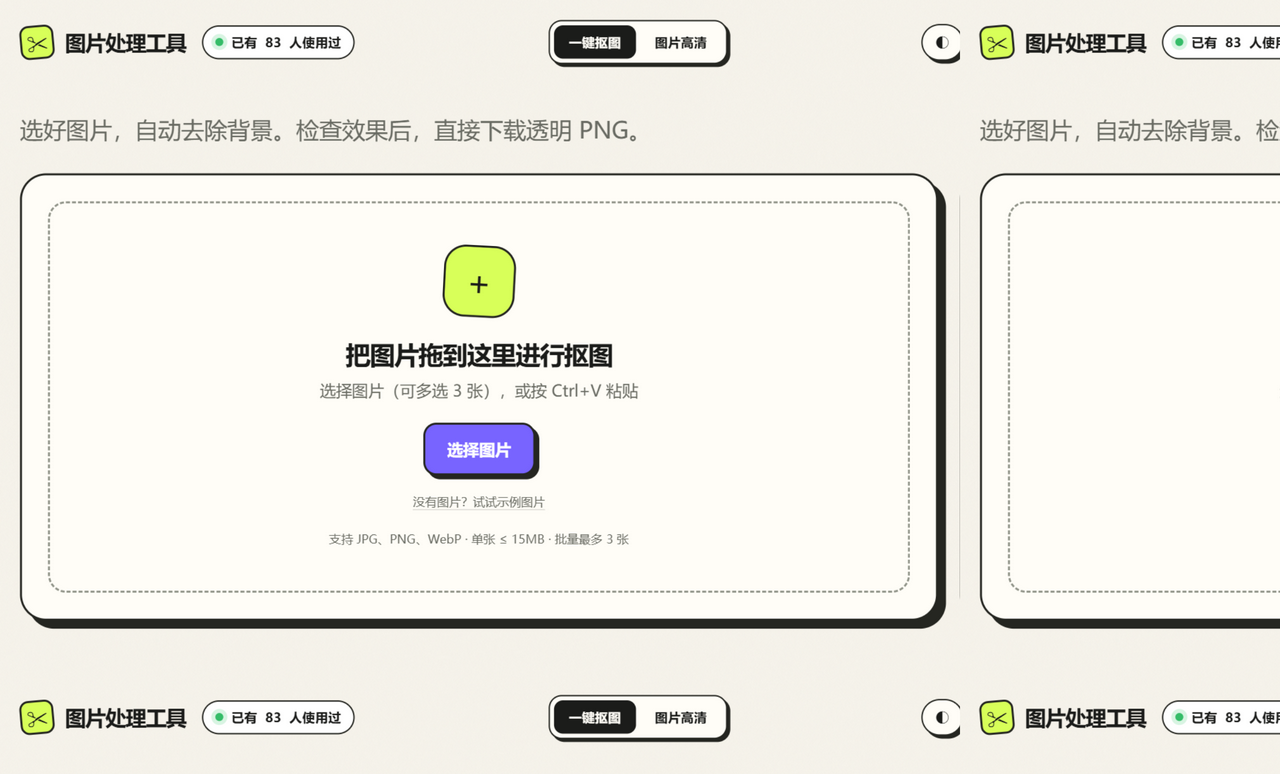
Since 2024, AI segmentation models (such as U²-Net, ISNet, and SAM) have handled hair edges quite well. Using this site as an example:
- Open one-click background removal and upload your photo
- The system detects the subject and removes the background automatically; hair regions are handled by a high-precision cloud model
- If anything is left over in the hair, open Smart Refine and tap the stray area to erase it
- Use Edge Cleanup to strip residual background color from the hair edges
Pros: zero learning curve, fast (3–10 seconds), and one pass is enough for most scenes.
Method 2: Photoshop Channel Masking
For professionals who need the highest possible precision:
- Open the Channels panel and find the channel where hair contrasts most with the background (usually Blue)
- Duplicate that channel and push the contrast with Levels (Ctrl+L) until the hair turns white and the background turns black
- Paint the body and face areas white with the Brush tool
- Ctrl-click the channel thumbnail to load it as a selection
- Return to the Layers panel and press Ctrl+J to copy the hair onto its own layer
Pros: preserves the semi-transparent transitions of hair. Cons: takes 10–30 minutes and requires professional skills.
Method 3: Online Tool Plus Manual Refinement
For edges AI does not handle perfectly, this site offers Smart Refine:
- Smart Erase: tap a leftover background area and the AI recognizes and erases the entire connected region
- Smart Restore: tap an area that was removed by mistake (such as flyaway strands) and the AI restores the object it belongs to
- Edge Adjust: positive values bring back over-cut edges, negative values shrink a residual halo
FAQ
Q: The hair edges have a white fringe after the cutout. What can I do?
Use Edge Cleanup on this site (cleanup strength 55–70). It detects edge pixels and replaces the leftover background color with foreground color.
Q: Dark background plus dark hair just will not cut out?
That is a low-contrast scene. Try: ① raise the contrast in an image editor before uploading; ② tap around the hair a few times with Smart Restore inside Smart Refine.
Q: Which output format is best?
A transparent background must be saved as PNG. JPG does not support an alpha channel and gets filled with white automatically.