WeChat Mini-Program vs Web Version: Strengths of Each and How to Choose
Two Entry Points, One Engine
A WeChat mini-program is a lightweight app that runs inside WeChat — no install needed, opened by searching or scanning a QR code in the app. JuanJuan Tools offers both a WeChat mini-program and a web version. The AI engine underneath is identical; each entry point simply optimizes for a different experience. Which one to pick depends on how you work.
Detailed Comparison
| WeChat Mini-Program | Web Version | |
|---|---|---|
| Entry point | Search or scan a QR code inside WeChat | Open directly in a browser |
| Sign-in | WeChat authorization (zero friction) | WeChat QR / Google / guest |
| Free credits | Earned via check-ins, ads, and friend invites | 5/day as a guest, more after signing in |
| Smart Refine | Supported | Supported (better on desktop) |
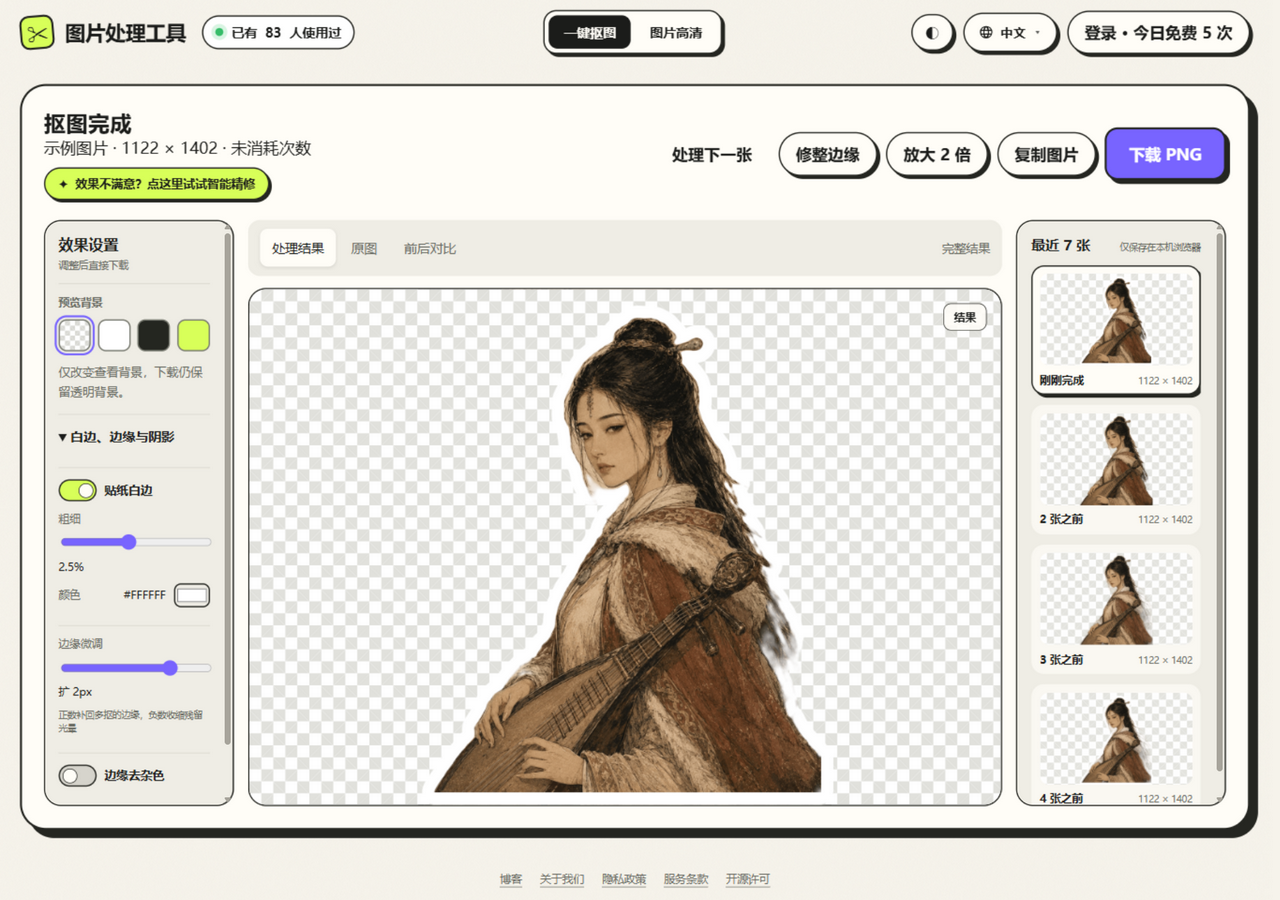
| Effect controls | Basic (border / shadow) | Full (Sticker Border + colors + Edge Adjust + Edge Cleanup + shadow) |
| AI Upscale (2x) | Supported | Supported (WebGPU accelerated) |
| Languages | Chinese | 中文 / EN / 日本語 / 한국어 |
| Sharing | Straight to WeChat chats and Moments | Shareable link |
| Batch | One image at a time | Up to 3 images queued |
| Guest access | Requires WeChat sign-in | No sign-in needed |
When to Use the Mini-Program
- Quick edits on your phone: snap a photo, cut it out, and post to Moments — under 30 seconds from camera to send
- Earning free credits: daily check-ins, watching short videos, and inviting friends all grant extra credits
- Sharing with WeChat contacts: recipients open it right inside WeChat, with no jump out to a browser
When to Use the Web Version
- Fine edge work: Smart Refine on desktop gets you a bigger canvas and more precise mouse control
- Batch processing: queue up to 3 images at once for better throughput
- Advanced effects: Sticker Border with custom colors, Edge Adjust, Edge Cleanup, and the full effect stack
- AI Upscale (2x): desktop hardware is stronger — WebGPU acceleration makes upscaling 5–15× faster
- International users: English/Japanese/Korean interface plus Google sign-in
Do Credits Carry Over Between the Two?
Yes. The mini-program and the web version share one account system when you sign in with WeChat. Credits earned from check-ins in the mini-program are available on the web version once you sign in there by scanning the WeChat QR code, and vice versa.
Do Effect Settings Sync?
Yes — on each side. The web version stores your effect settings (border width, color, shadow parameters, and so on) in the browser's localStorage and reuses them the next time you visit. The mini-program saves its own settings locally in WeChat. The two stay independent, but both remember your last configuration.
FAQ
Q: Can I use the web version without signing in?
Yes. Guest mode gives you 5 free removals per day, with no registration or sign-in required. Signing in unlocks more.
Q: Is there any quality difference between the mini-program and the web version?
No. Both run the same AI engine (cloud ISNet + on-device U²-Net), so processing quality is identical.